Press kit
Everything you need to write about FlareWarden: descriptions, key facts, logos, screenshots and product sheets.
About FlareWarden
One sentence
FlareWarden is website monitoring for small teams and agencies: uptime, SSL, content and third-party service checks, re-checked from other regions before it alerts, with branded status pages.
One paragraph
FlareWarden checks websites and API endpoints as often as every 30 seconds, along with their SSL certificates and DNS. When you add a site, Smart Setup reads its DNS records and page HTML and suggests monitors for the third-party services it recognizes, such as payment, hosting and email providers, plus content checks for the page. Before it sends an uptime alert, FlareWarden asks other regions to re-check the failure; if any of them sees the site up, no alert goes out. Every plan includes a status page, with custom domains from the Business plan up. Alerts go by email, Slack, Discord, Google Chat and signed webhooks.
Key facts
17 cities
probe locations on 6 continents
30 seconds
fastest uptime check, Business plan and up
300+
services Smart Setup recognizes
800+
provider status pages to follow
Plans from $0 to $229/mo
Free (15 monitors) to Agency (1,000 monitors)
US, EU or Asia-Pacific
account data stays in its home region
- Website:
- flarewarden.com
- Press contact:
- support@flarewarden.com
Product sheets
FlareWarden for web agencies
Every client site watched from one dashboard, branded status pages and client logins.
PDF · 4 pages · 0.6 MB
Download PDF: FlareWarden for web agenciesFlareWarden for SaaS teams
A status page that updates itself and the providers you depend on, watched in one place.
PDF · 4 pages · 0.6 MB
Download PDF: FlareWarden for SaaS teamsFlareWarden for online stores and small businesses
Know when your site is down, and whether it’s you or a provider.
PDF · 3 pages · 0.8 MB
Download PDF: FlareWarden for online stores and small businessesScreenshots
Select a screenshot to open the full-size PNG.
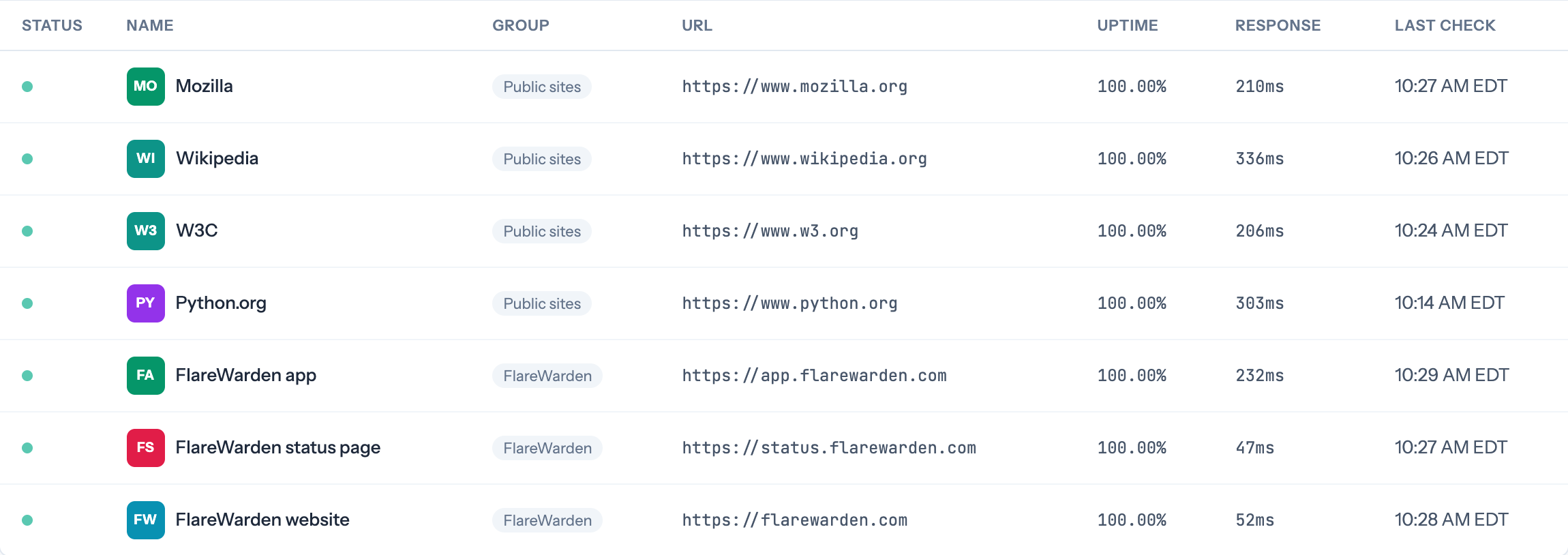
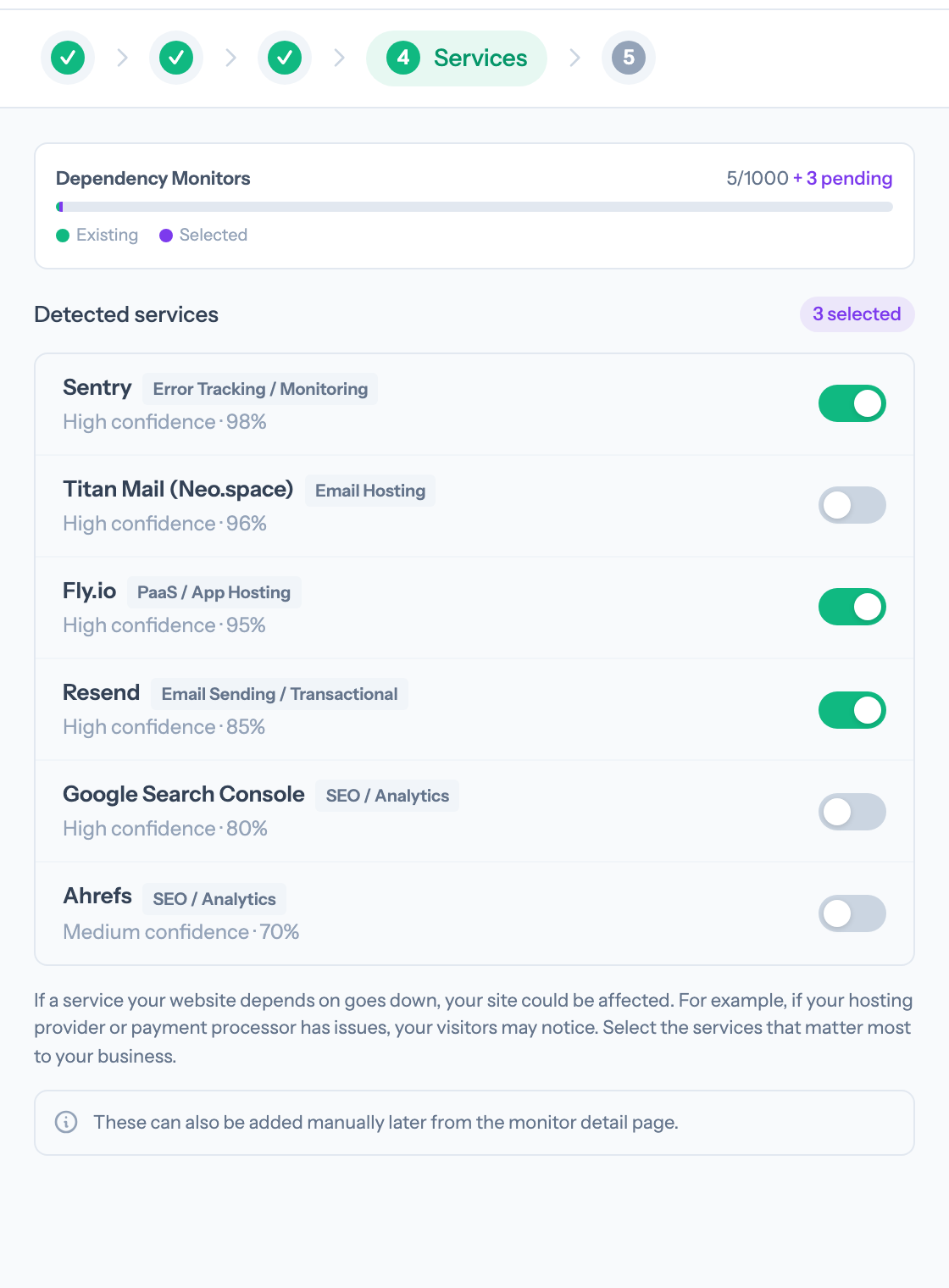
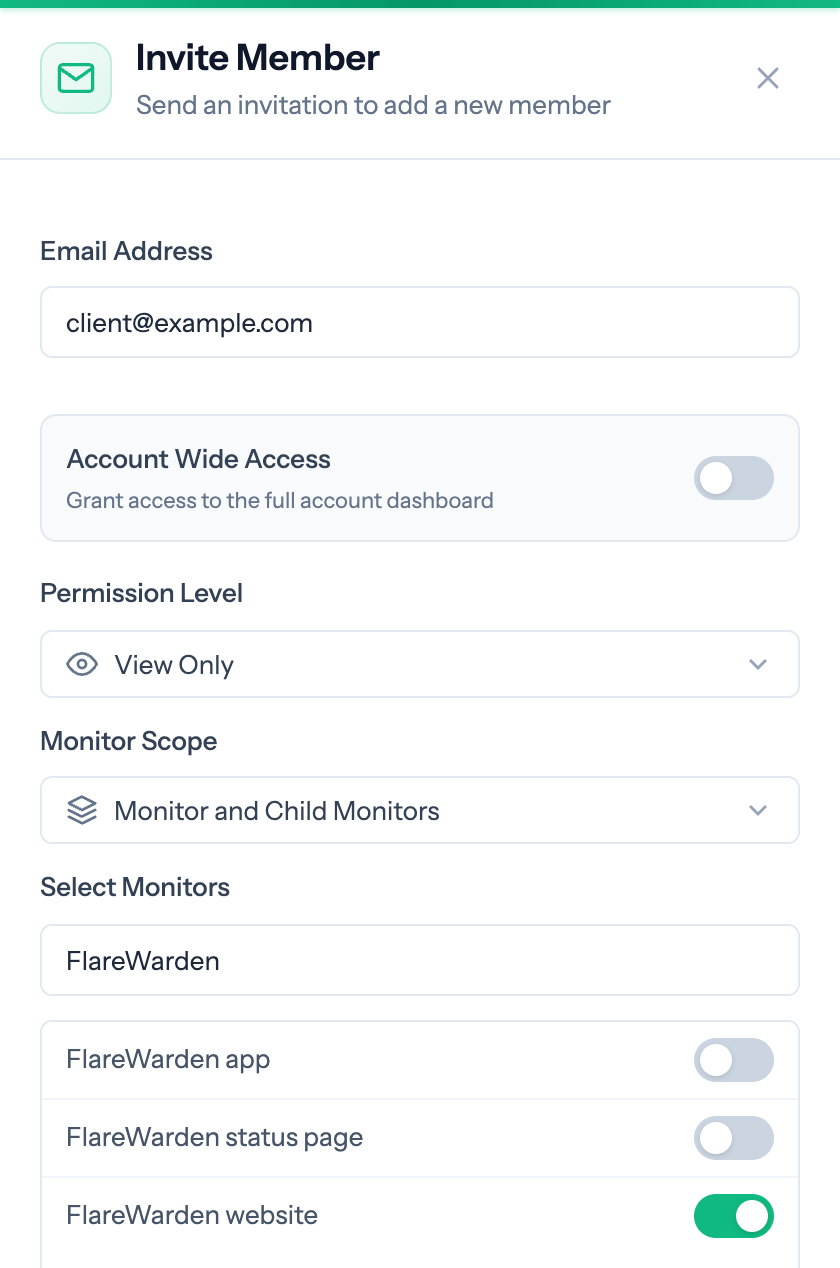
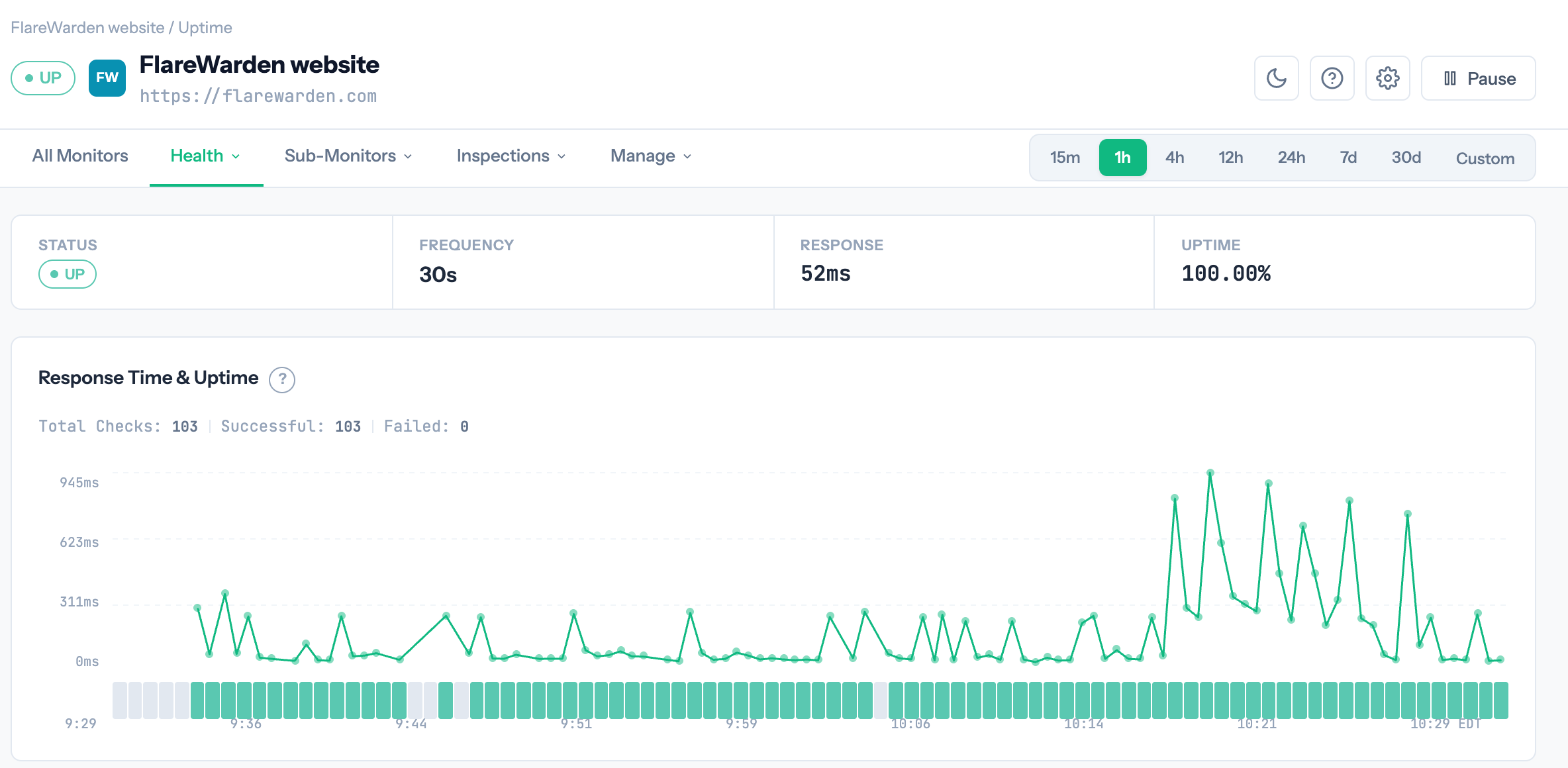
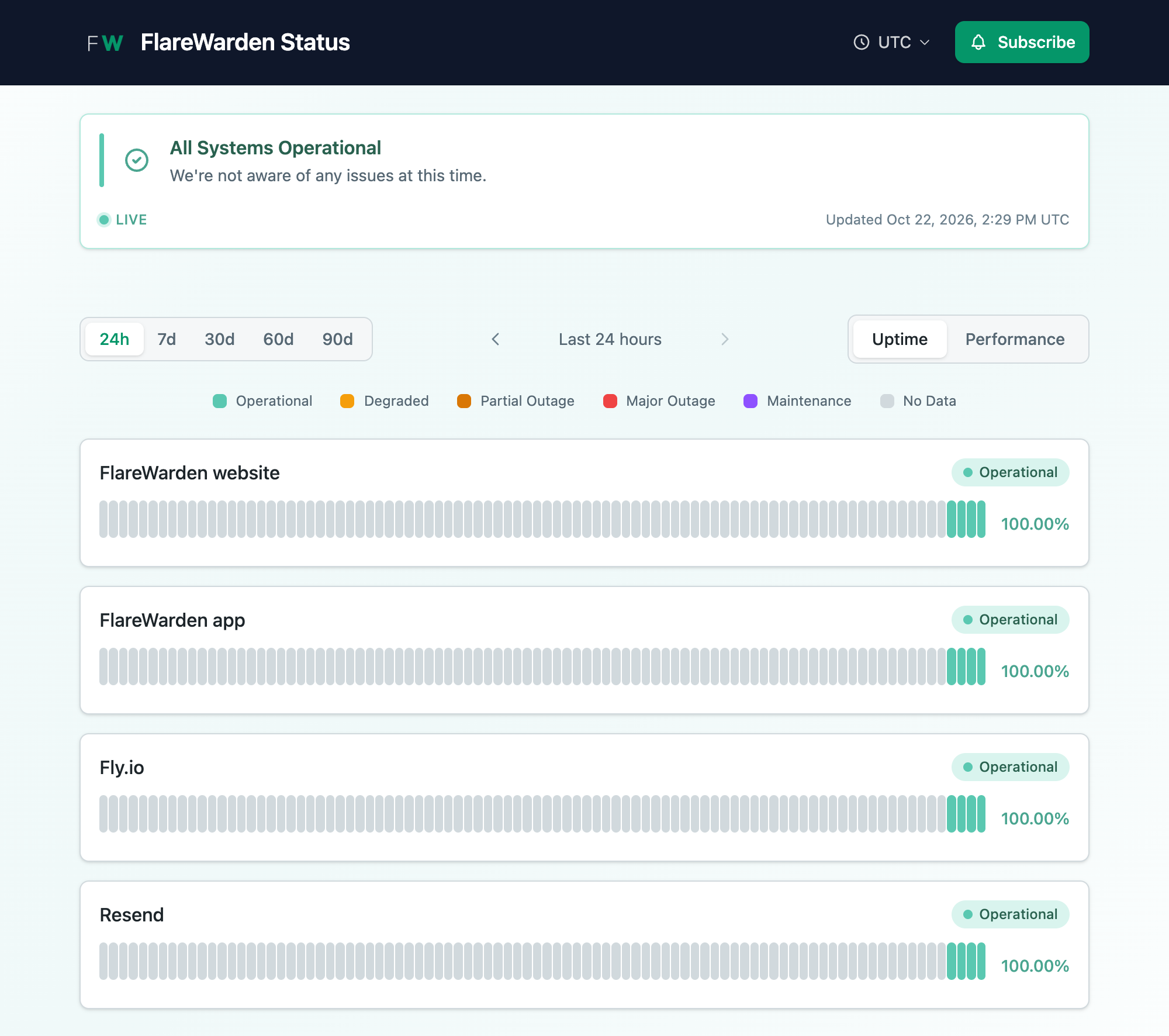
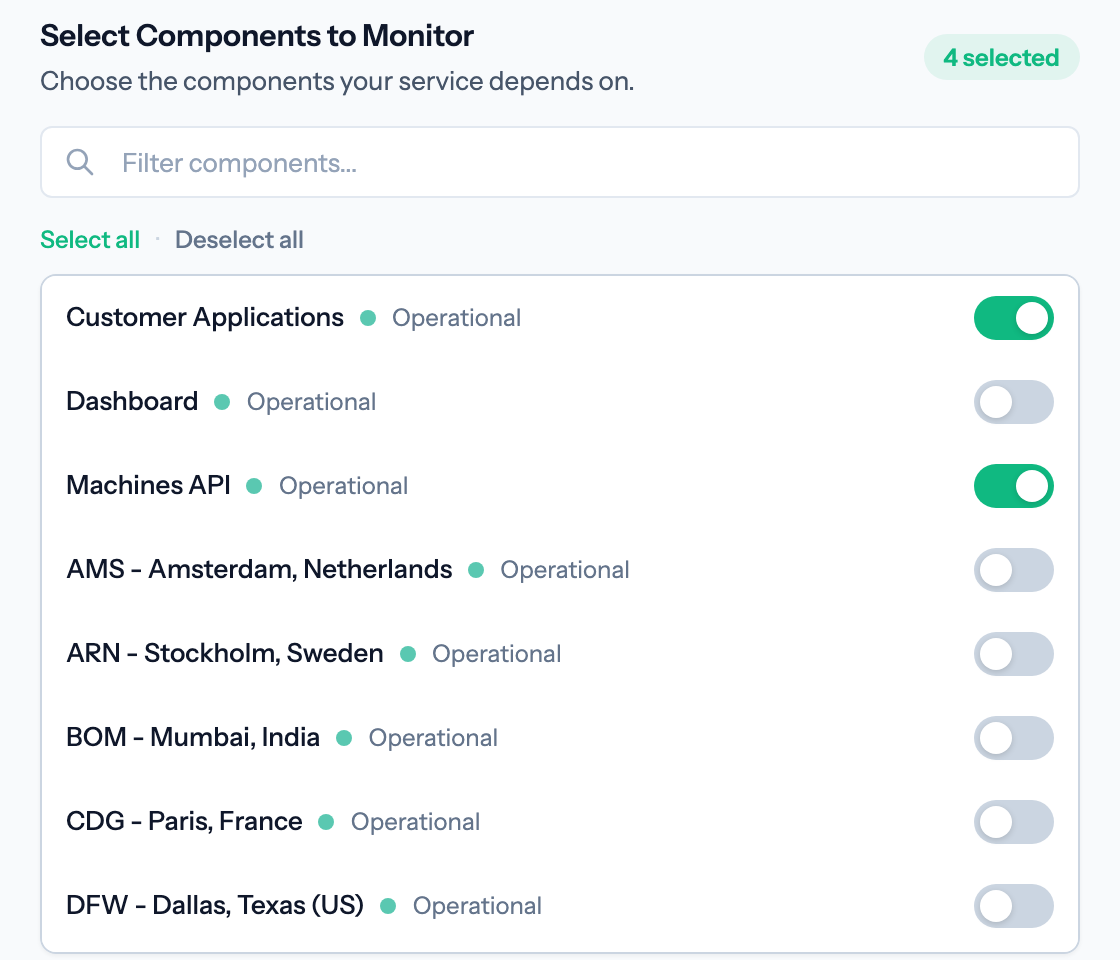

Screenshots show a demo account monitoring FlareWarden’s own sites and a few public sites.
Logos
Icon
The SVG sets its letters in the Outfit typeface; where Outfit isn’t installed, use a PNG.
Wordmark
The wordmark is set in Outfit: “FLARE” in extralight and “WARDEN” in extrabold emerald (#059669), with no gap between them. FLARE is slate (#334155) on light backgrounds and white on dark ones. Please don’t add a gap or a text shadow, or change WARDEN’s color.
Questions or need something else? Email support@flarewarden.com.